
Highlighting Key Areas - Assist User in Prioritizing Essential Matters
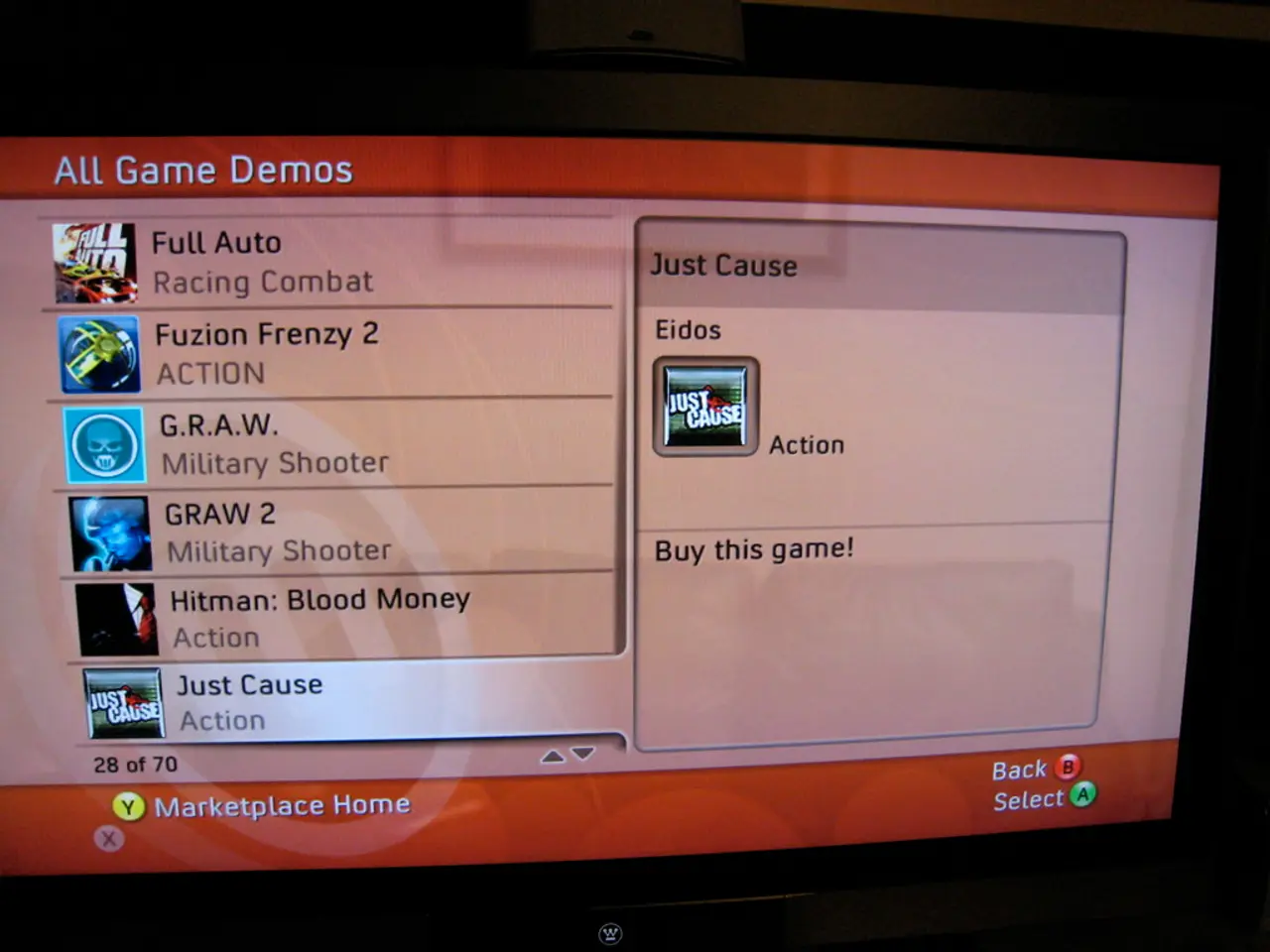
The Center Stage design pattern, a popular approach in graphical user interfaces (GUIs), aims to place the most critical content or interactive elements prominently in the center of the screen. This strategic design choice improves visual hierarchy, intuitively guiding user interaction flow and reducing cognitive load.
To effectively implement the Center Stage design pattern, consider the following key strategies:
1. **Prioritising Key Elements**: Place the most vital UI components or information in the center area of the interface. Users naturally focus on the center, ensuring important actions or data are easily accessible without distraction.
2. **Visual Cues for Hierarchy**: Enhance the central element with distinct colour, size, and spacing to differentiate it from surrounding UI parts. A larger font size, brighter colour, or additional whitespace around the center element helps it stand out while maintaining clarity and accessibility.
3. **Logical Grouping and Layout**: Organise related items close to the center but group them logically. Supporting information or controls can radiate outward or be arranged in secondary positions, using layout principles like grid or alignment to maintain balance without overwhelming the center focus.
4. **Consistency Across Screens**: Maintain consistent styling and positioning of the center stage element across different screens or states to help users build familiarity and reduce confusion.
5. **Mediator Pattern for Coordination**: For complex UIs that use center staging, applying the Mediator design pattern can be beneficial. The mediator coordinates interaction between UI components, ensuring the center stage element updates responsively without tight coupling between components.
6. **Adapt to User Tasks and Context**: Consider user goals to decide what belongs center stage. In dashboards, for example, show key performance indicators or alerts centrally, while less critical data can be peripheral. Adjust dynamically if needed as users navigate or contexts change.
7. **Accessibility and Interaction**: Ensure the central element is easily reachable, visually clear, and usable via multiple input methods (mouse, touch, keyboard). Good contrast and size not only reinforce hierarchy but also support users with disabilities.
The Center Stage pattern is widely used by software companies like Adobe and Microsoft and can be seen in applications such as websites, spreadsheets, and software packages like MS Paint and Gimp. A free Center Stage template is also available for download. However, the best arrangement of panels around the center stage may vary among users. To determine the most effective arrangement, consider paper prototyping and user feedback.
Headlines are used to distinguish different panels in a user interface, and the example from Balsamiq shows the implementation of center stage with the main panel being the largest and coloured differently. It is essential to consider the placement of secondary panels to avoid restricting the user's view and ensure a balanced, intuitive user experience.
To further improve user experience in design, one can incorporate key principles from interaction design and UX design across the implementation of the Center Stage pattern. By utilizing visual cues like color, size, and spacing to differentiate the central element from surrounding UI parts, we make it clearer and more accessible for the user to interact with. Moreover, strategically placing secondary panels around the center stage can maintain a balanced, intuitive user experience while ensuring the central focus remains prominent.




